
Onboarding new laptop
Requirements
To Onboard your new windows device with your Microsoft tenant you must have an endpoint with Windows PRO installed on it.
First Power ON
If available on your tenant. Please check with your admin if this option is available
| N° | Task | Comment |
| 1 | Choose the right region | 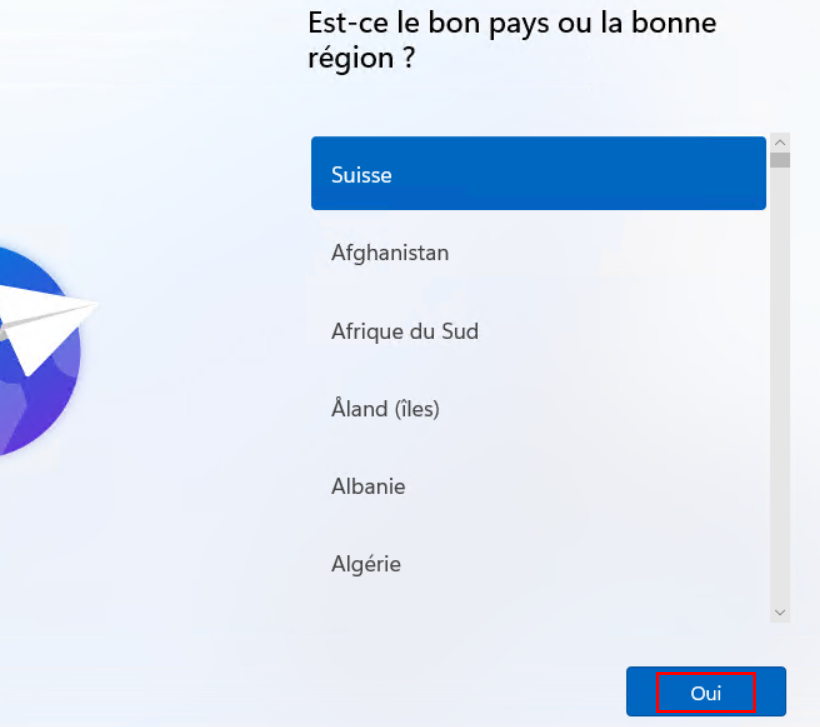 |
| 2 | Choose the right keyboard | 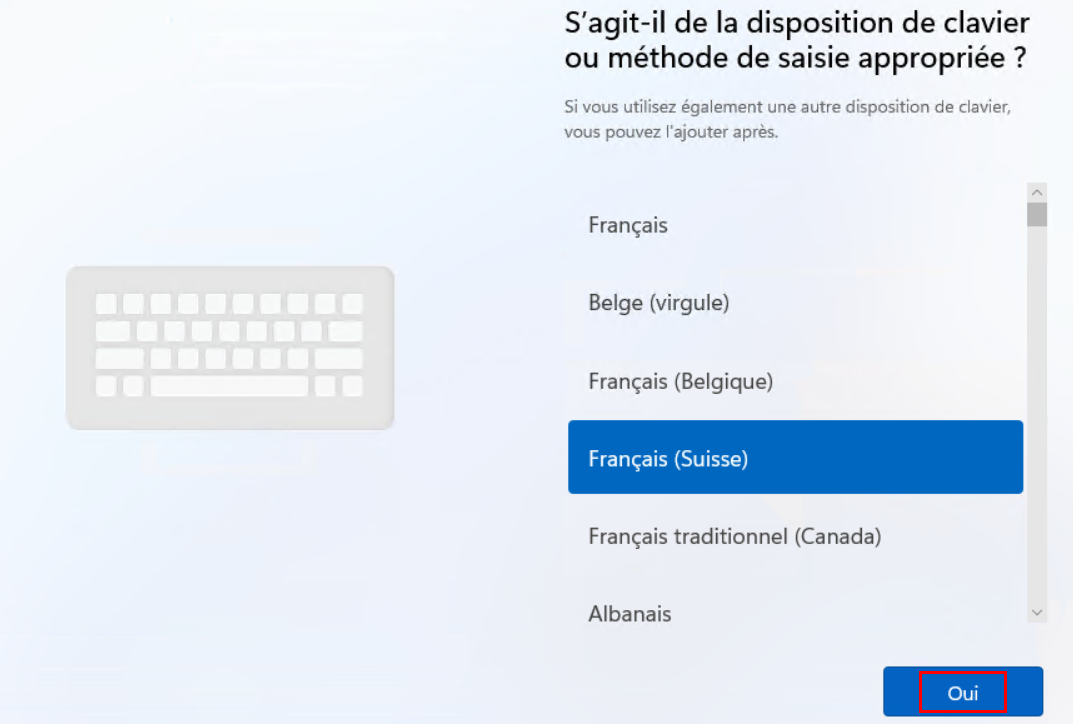 |
| 3 | Accept terms | |
| 4 | Name your Computer | → check with your admin system if you have a naming convention to respect |
| 5 | Choose the work and school configuration | 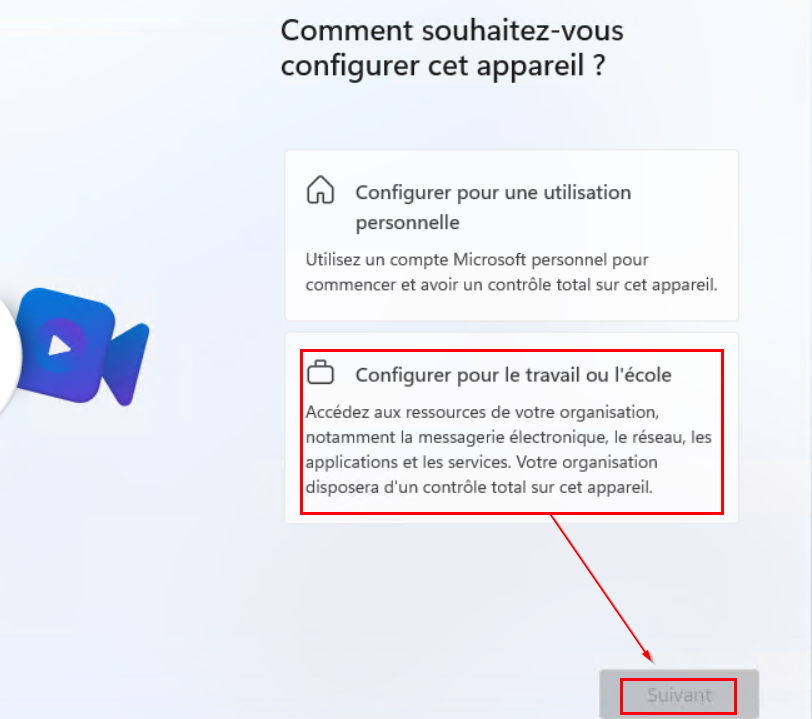 |
| 6 | Enter your work account and your password | 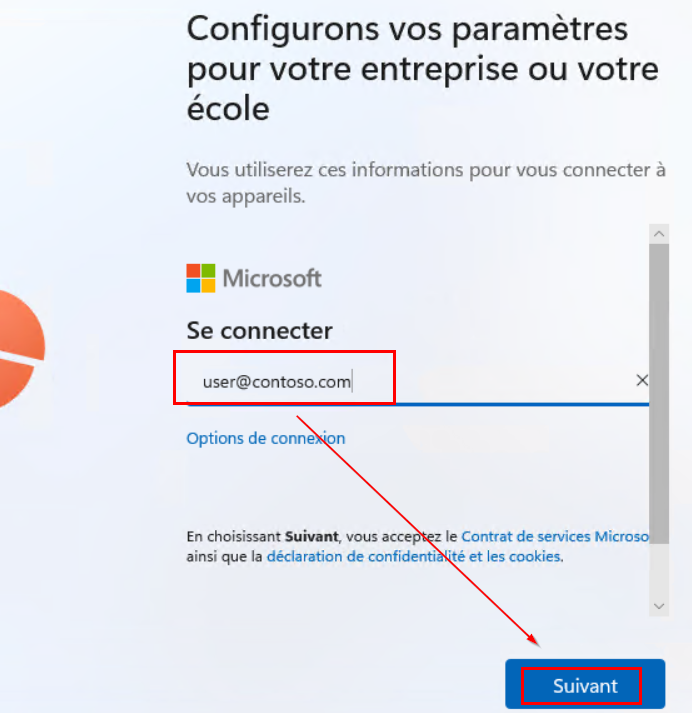 |
| 7 | Wait the end of the configuration of your new device | 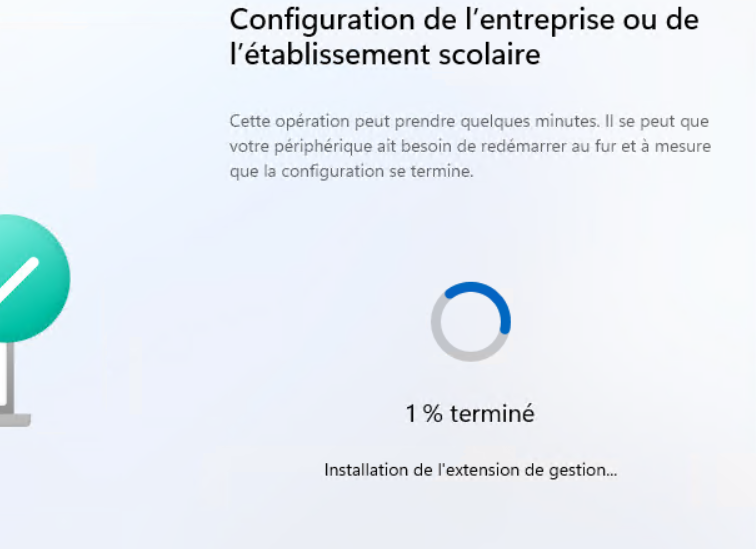 |
| 8 | Personalize your session | Answer of 3 question regarding the Privacy settings |
| 9 | [Optional] Configure Windows Hello and PIN | → if configured for your organization |
| 10 | END | you will be automatically connected on your desktop, some applications will be automatically installed (you can start to work during this step) |